CONNECTING TO THE ADMINISTRATION CONSOLE
PLAN-R is administered through a web management console. To connect to the console, enter http://servername:81/admin in your browser's address bar, where servername is the name of the web server hosting the PLAN-R software suite (hereinafter referred to as PLAN-R).
The sign-in screen opens. When connecting for the first time, enter the default administrator credentials (1)—username superadmin and password superadmin—and click "Sign In" (2).
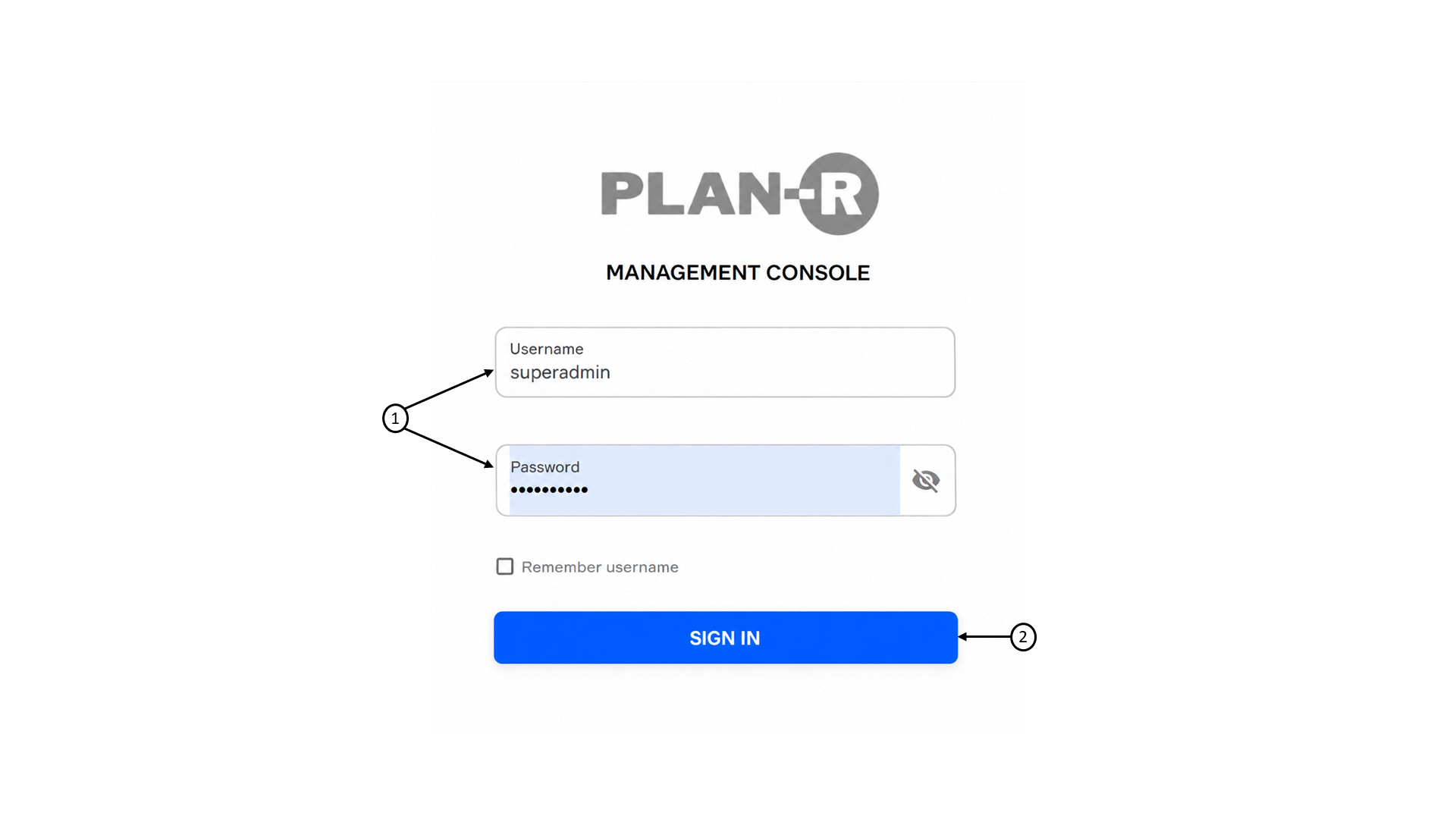 Administration Panel Sign-In Form