ESTIMATED CONTRACT SCOPE (PDC)
The Estimated contract scope (PDC) is generated by merging line items within local cost estimate calculation sections in the Combined contract estimate into work types according to specified conditions. Estimate rates are mapped to work types in the project window interface.
Typically, LSR section line items representing work with the same physical quantity are combined into a single work type, such as pile installation, foundation slab construction, or painting.
To create a schedule template from the PDC, select the schedule (1) to receive the new version and click "Create version base on estimated contract scope" (2).
A schedule version can be created from the PDC in two ways, depending on the planning mode selected in the schedule settings: simplified or resource planning.
If simplified planning is selected, the schedule creation settings dialog requires you to select the price level for transferring cost values to the schedule version (3). You must also specify the data source for calculating activity durations, costs, and labor: estimate data or resource directory data for aggregated work types (4).
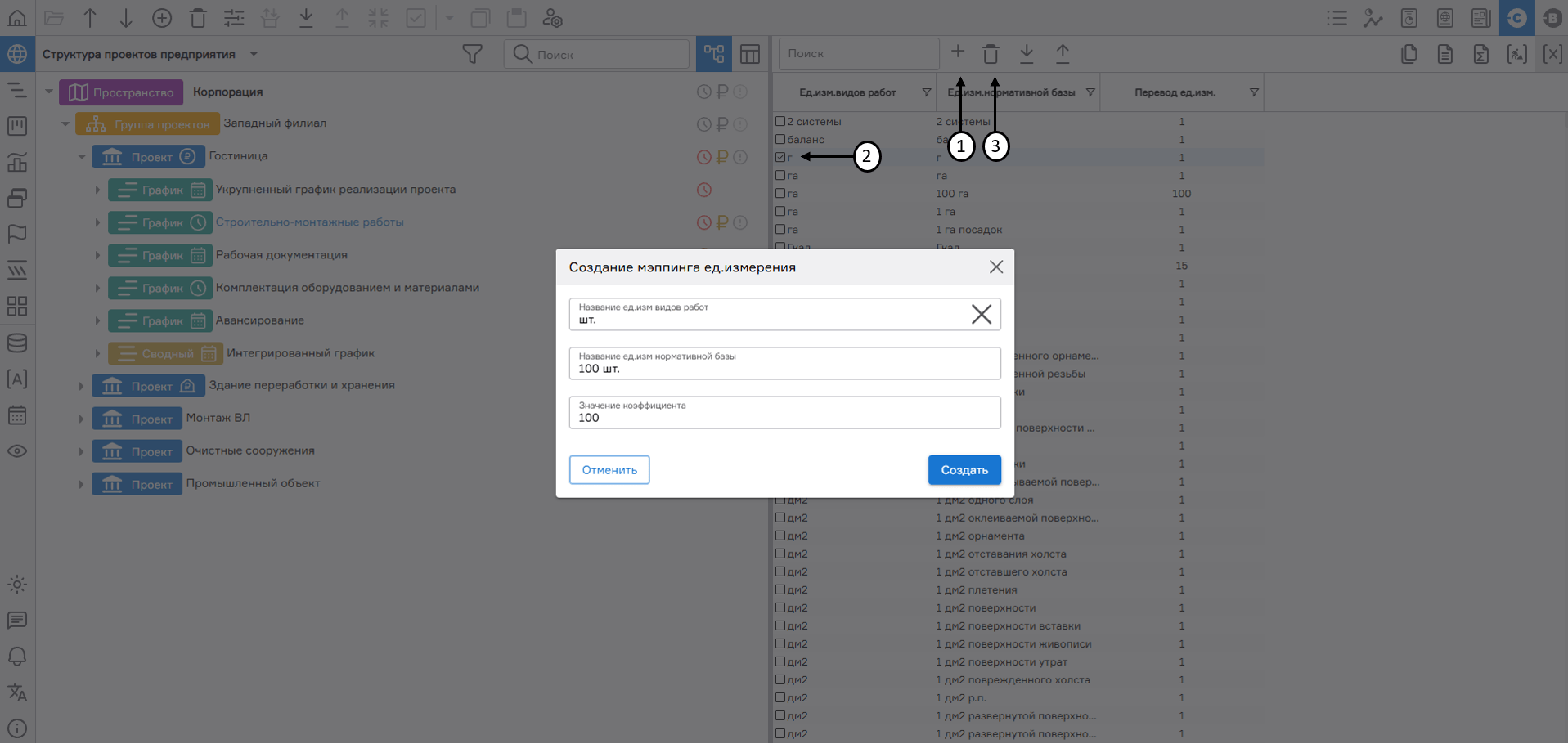 Creating a Schedule Version from the PDC in Simplified Planning Mode
When calculations use estimate data, an activity created from a PDC work type line item has a default duration of five working days. Its production rate is calculated from this duration and the quantity specified in the PDC line item. Unit labor requirements are then calculated from the activity quantity and the total estimated labor, which is the sum of the main workers' labor and machine operators' labor.
When calculations use resource directories for aggregated work types, activity duration, cost, and labor are calculated from the production rate, unit labor requirements, and rate specified in the resource breakdown structure (RBS) entry for the corresponding work type.
If resource planning is selected, the schedule creation settings dialog also requires you to select a scenario for importing aggregated activities and resources (1):
- "Aggregated work –> schedule work and the same-named UR in WBS. Aggregated work resources –> in WBS as resources subordinated to the UR";
- "Estimated work – schedule work. Aggregated work resources – in WBS".
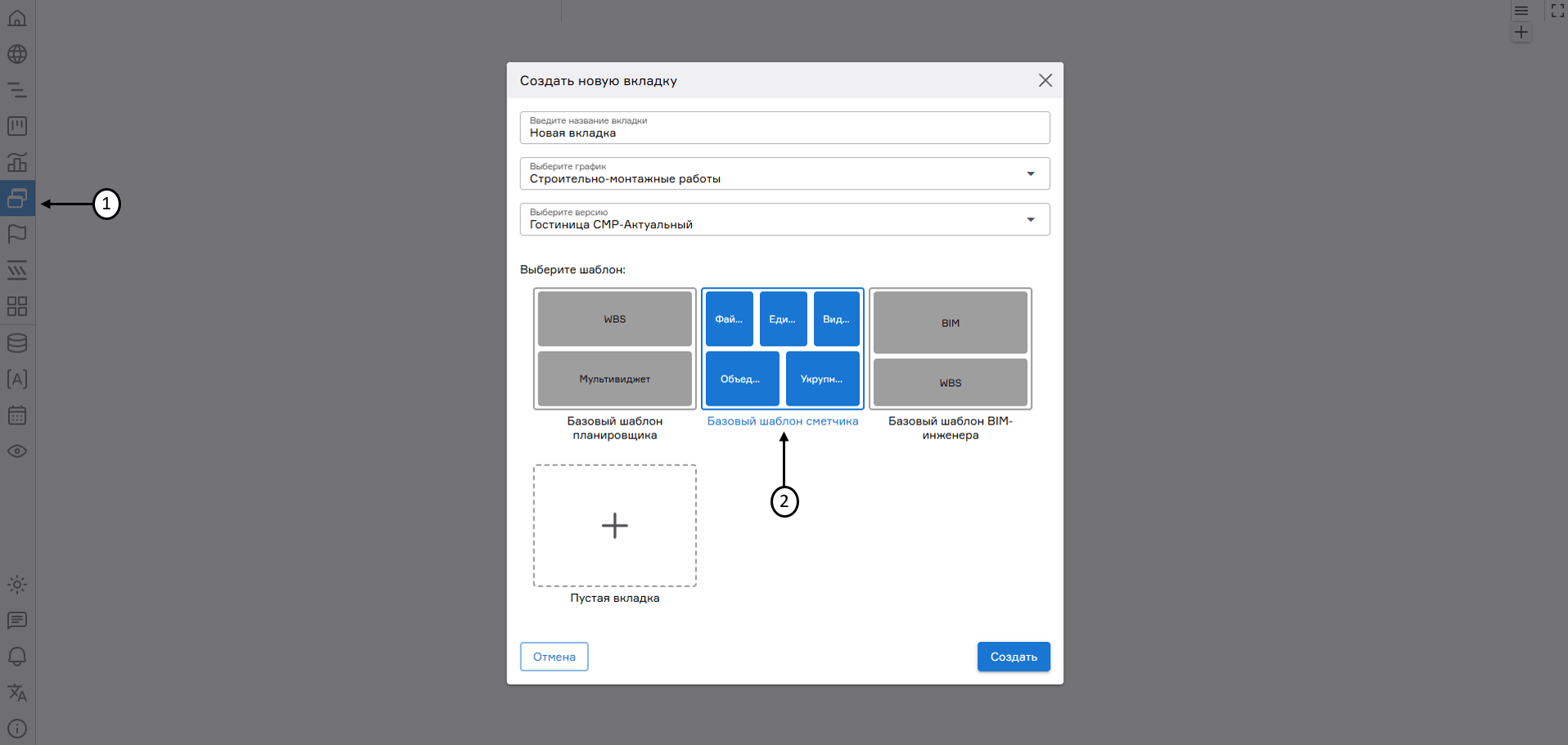 Creating a Schedule Version from the PDC in Resource Planning Mode
When a work type is transferred together with its resources using estimate data, activity duration, production rate, and unit labor requirements are calculated in the same way as in simplified planning. The schedule's Resource planning tab displays the work type as a Controlling Resource. All resources from the estimate line items combined into that work type are displayed as its subordinate resources, with their cost and quantity values.
If the option to transfer only resources is selected, the work type from the RBS is not assigned to the activity. Instead, estimate resources are assigned on the schedule's Resource planning tab. The labor resource with the highest number of labor hours is assigned as the Controlling Resource. The activity duration is calculated based on that resource.
When a work type is transferred together with its resources using directory data, activity duration, cost, and labor are calculated from the production rate, unit labor requirements, and rate specified in the RBS entry for the corresponding work type. The schedule's Resource planning tab displays the work type as a Controlling Resource and its subordinate resources from the RBS, with the cost and quantity values specified in the RBS entries. The option to transfer only resources is unavailable when using directory data.
The following system attributes are populated regardless of how the schedule version is created:
- "Estimate-Based Labor units" — receives the total labor and machine operator labor;
- "Estimate-Based Quantity" — receives the value of the "Quantity" attribute;
- "Estimate-Based Cost" — receives the value of "Cost inclusive of costs 8-12 chapters" when costs from chapters 8–15 are allocated to LSR line items, or "Cost with additionaly coefficients" when "Output costs of 8-15 Heads in rows in the SSR structure" is selected.
The "Estimate-Based Labor units", "Estimate-Based Quantity", and "Estimate-Based Cost" fields cannot be edited manually.
The PDC allows you to export a schedule template to .xlsx (1) using two options: Excel (2) and PLAN-R (3). As in the "COE" window, the "PDC" window supports attribute filtering (4). Click "Views" (5) to configure the displayed columns.
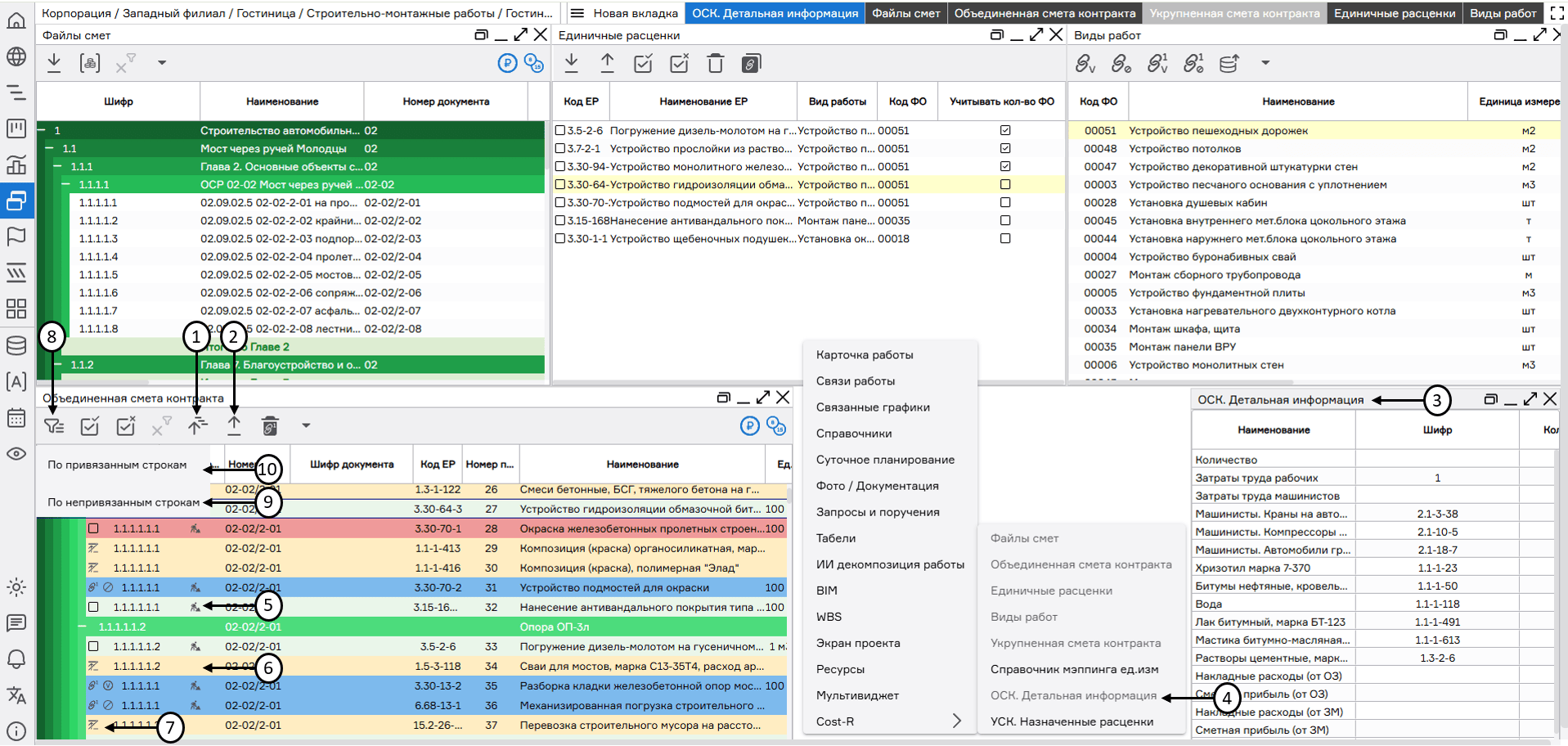 The "PDC" Tab. Exporting to Excel