CONFIGURING USER ACTION AUDITING
PLAN-R stores a history of user actions in its database. The collected data is used to generate reports and statistics.
Auditing user actions can cause a large amount of information to accumulate in the database. You can configure which information PLAN-R collects.
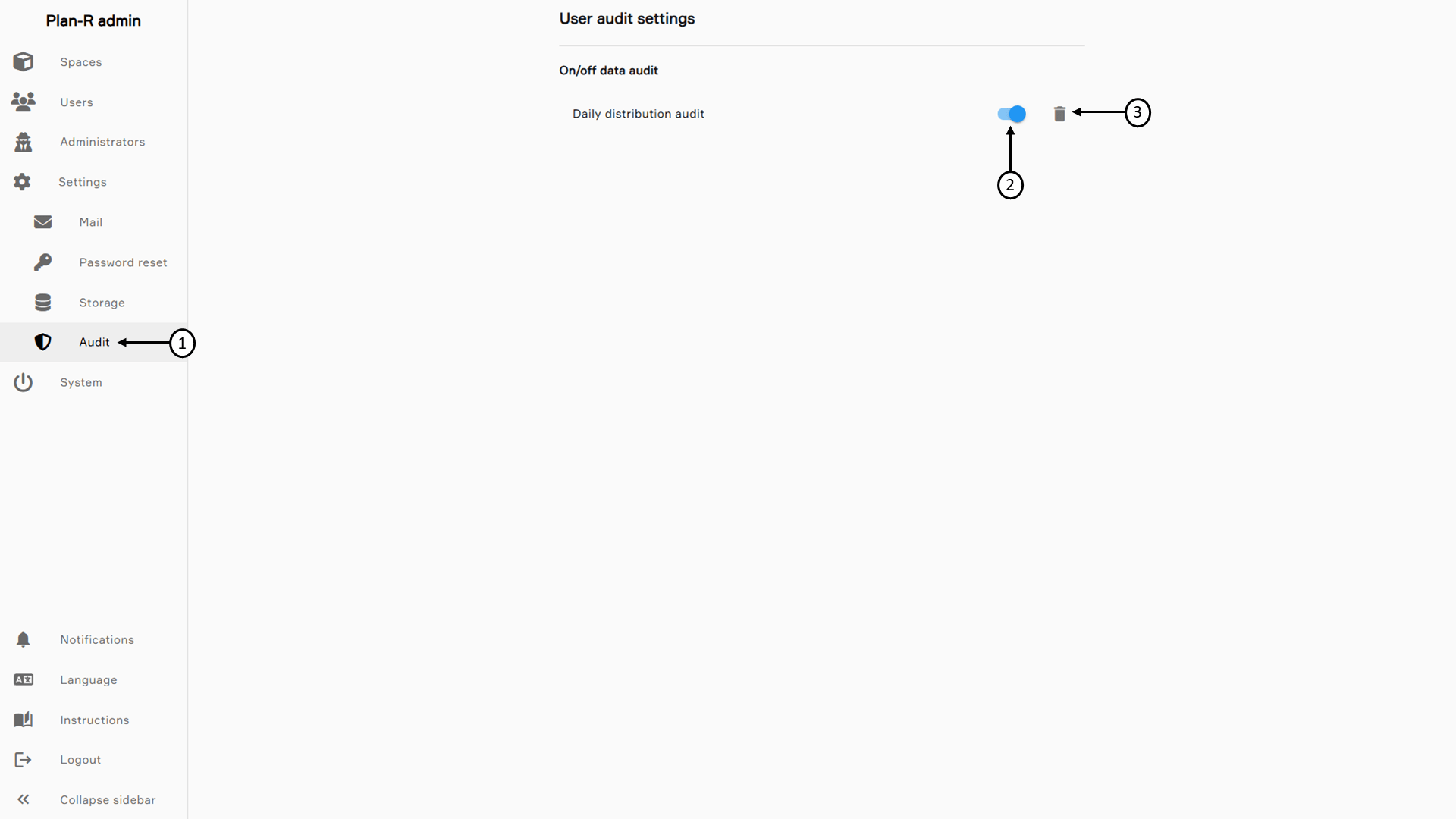
To enable or disable data collection, open the "Audit" section in the navigation panel (1) and use the corresponding toggle (2). To delete previously collected information, click the delete button (3).
 User Activity
Daily distribution auditing collects information about users entering daily planning data: the accepted plan, operational plan, and actuals. The collected data is used to generate the master report.