NODE VIEW MODE
You can select a node view mode in the settings of a Registry node.
“Registry” node view mode (1) provides a simplified way to work with a schedule. Some interface features and advanced scheduling tools, such as schedule calculation, the Gantt chart, activity relationships, and daily planned/actual data, are hidden to make basic activity management easier. “Registry” mode is also suitable for managing simple activities and assignments or organizing activities on a Kanban board (see “Kanban”).
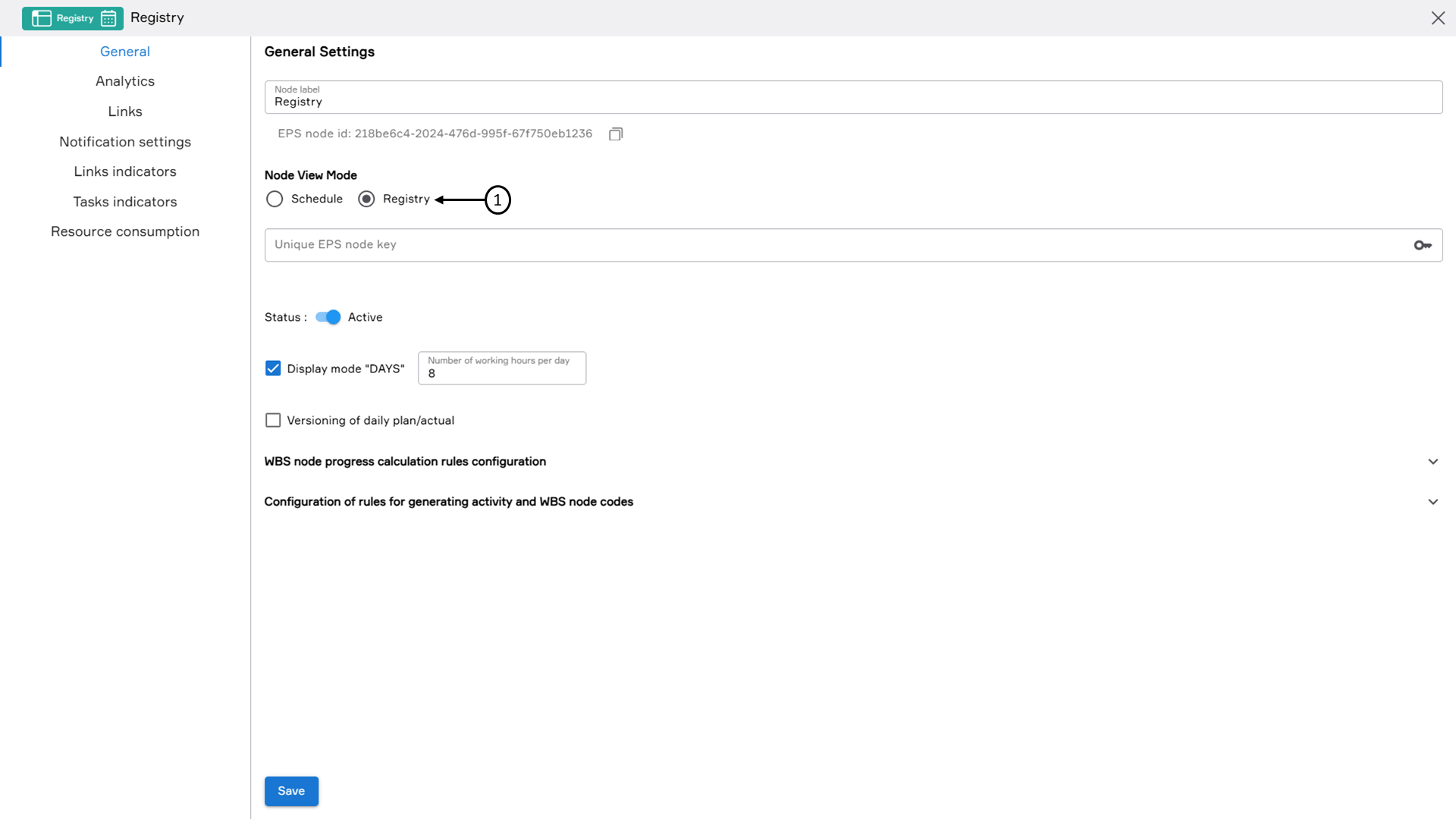 Selecting a node view mode
In “Registry” mode, the “Attributes” tab (1) is open by default on the right side of the screen. It serves the same purpose as the activity card in “Schedule” view mode and allows you to view and edit all parameters of the selected activity. Documents are attached on the “Files” tab (2), which corresponds to the “Photos/Documentation” section in “Schedule” view mode. The “Passport” (3), “Chat” (4), and “Related schedules” (5) tabs provide access to activity information and discussions.
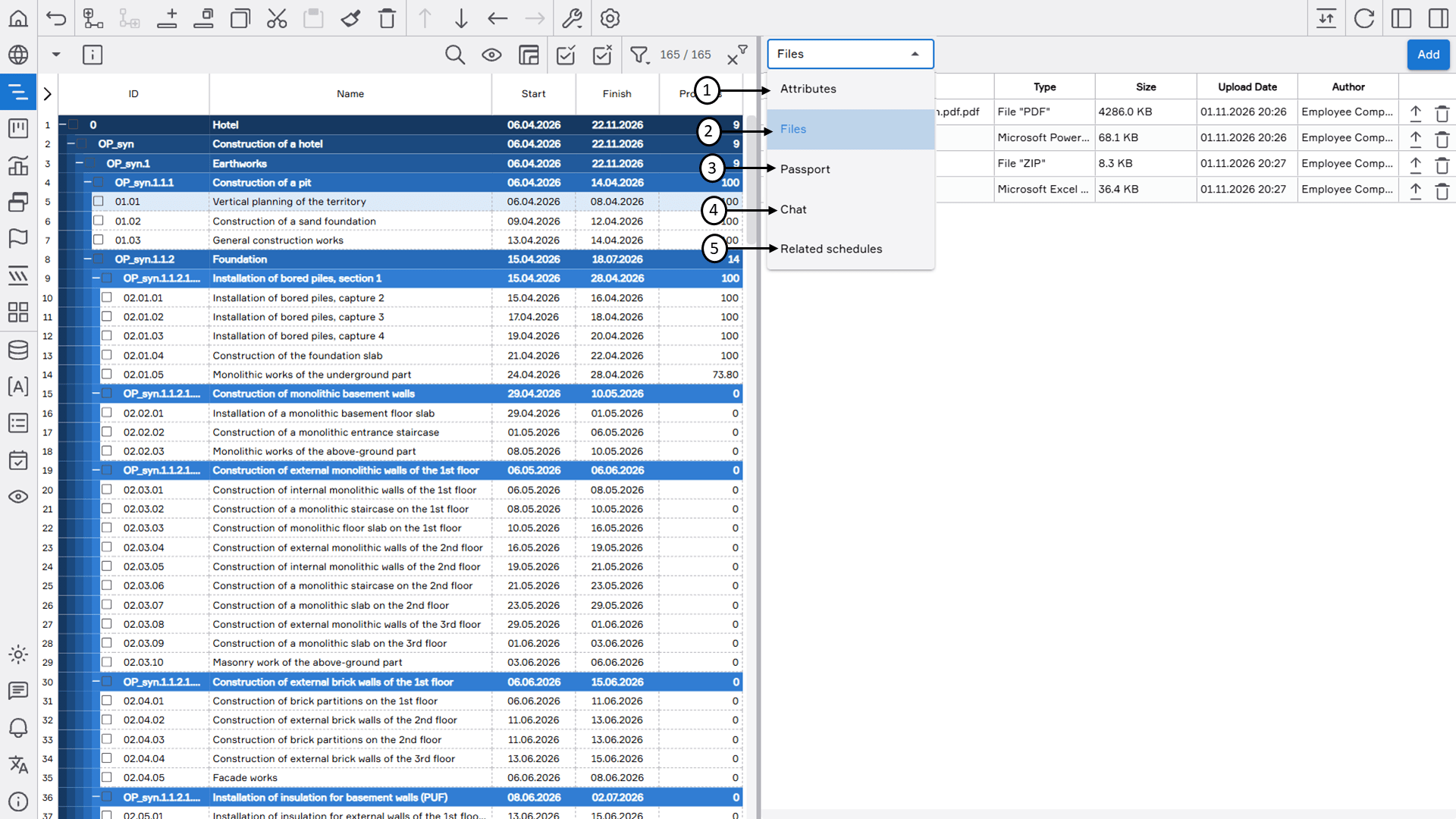 Working in “Registry” view mode