VIEWING AND ANALYZING PROJECT SCREENS
To view project screens, click “Project screen” (1) on the navigation bar. The “Project screen” section opens for the last active project—the project whose schedule was opened most recently. If the Enterprise Project Structure screen is open, the section opens for the currently selected Project node (2).
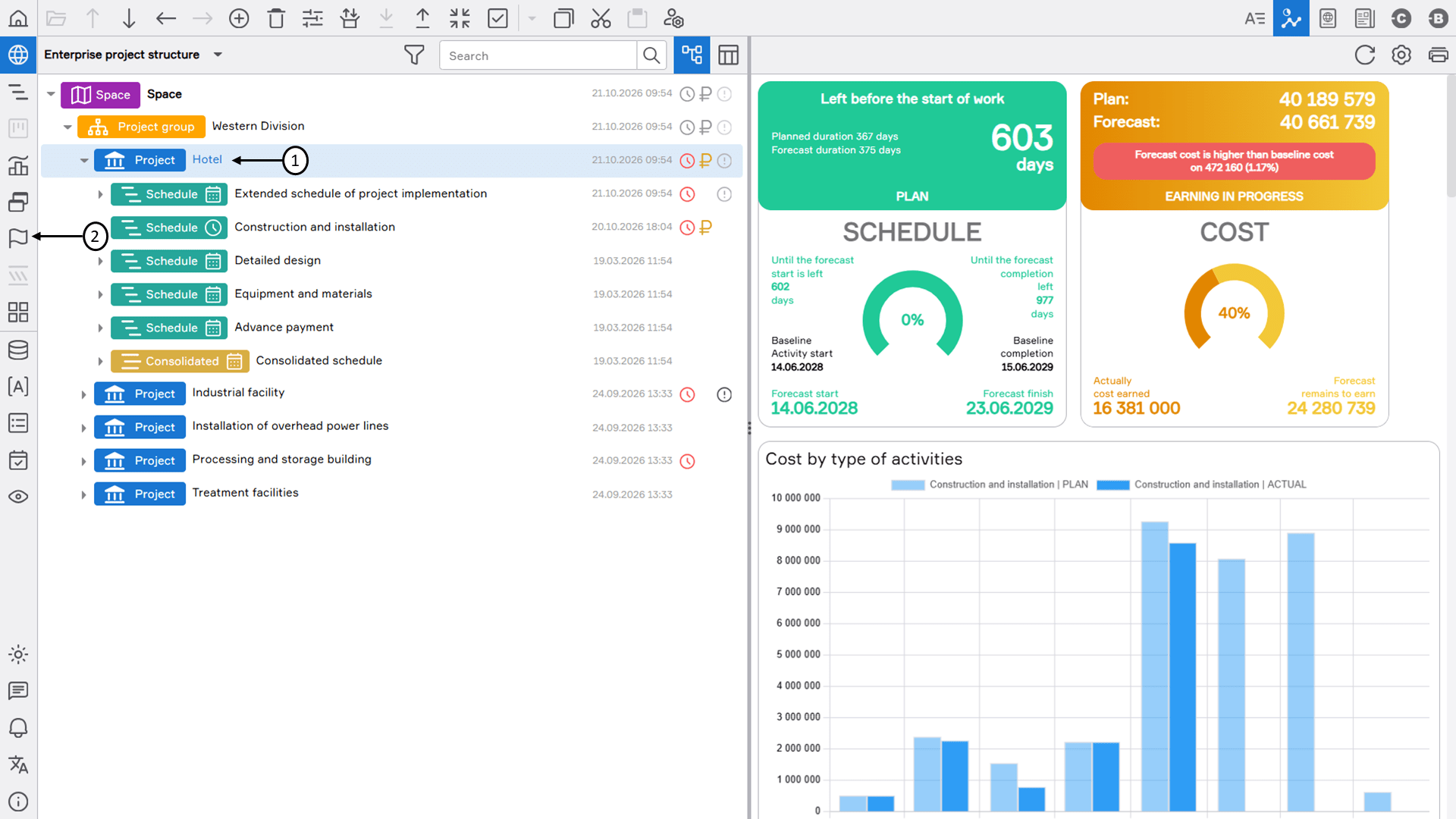 Opening the Project screen section