RESOURCES
The “Resources” tab is an important tool for efficient resource use across the enterprise. It provides an overview of the workload of all available resources and allows you to assess and reallocate resources between activities in specific schedules. This supports more effective planning, helps prevent resource overallocation and underutilization, and lets you set priorities for resource allocation based on project importance and deadlines.
When you first open the “Resources” section (1), PLAN-R prompts you to select the resource directory containing the resources you want to analyze. This section analyzes resources assigned to schedule activities within the Resource Breakdown Structure (RBS). For more information about creating a resource directory and an RBS, see “Resource Directory” and “Resource Breakdown Structure”.
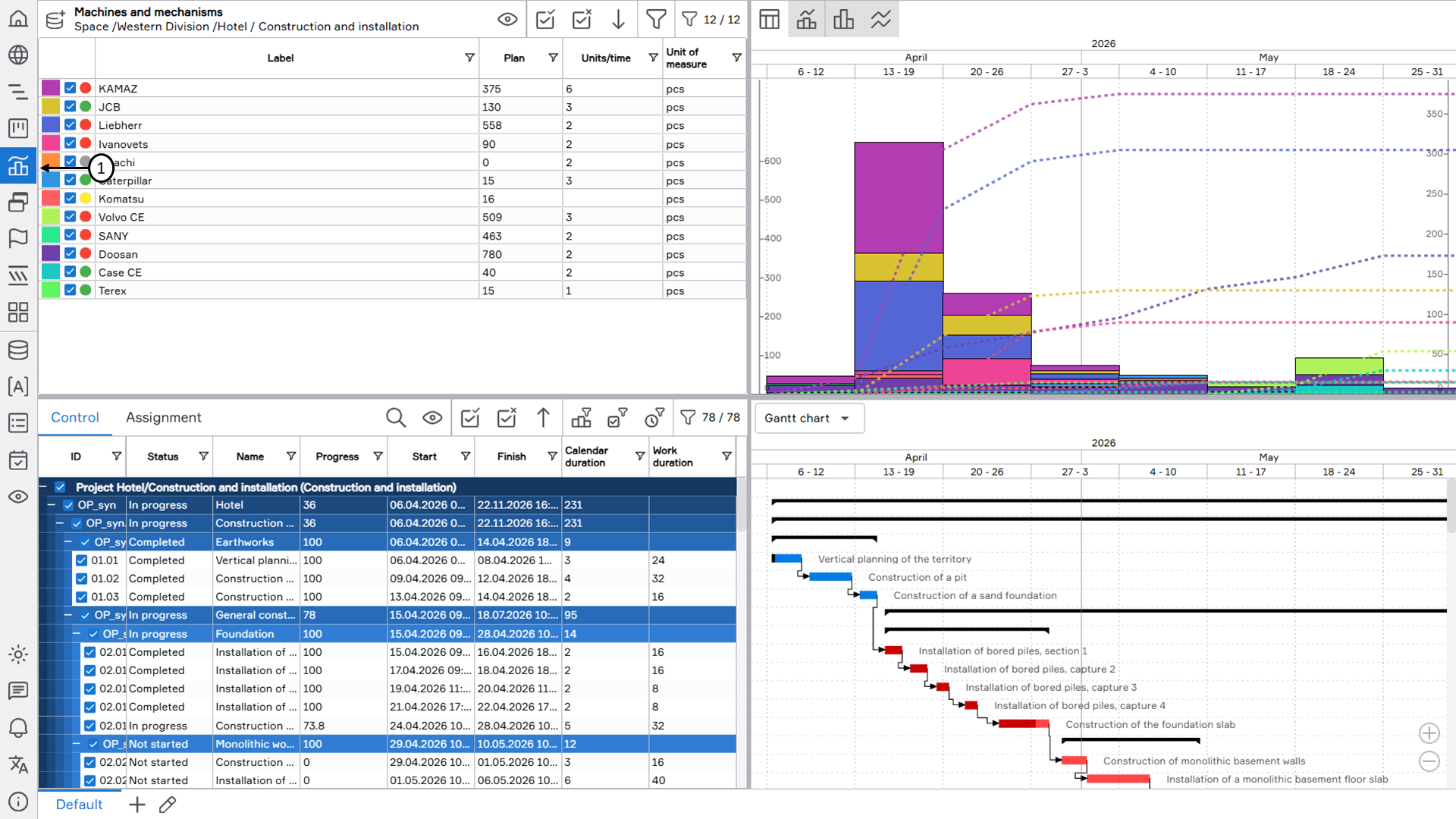 Resources tab
After you select a directory, the resource management interface opens. The “Resources” section contains four panes: the resource table (1), resource chart (2), Work Breakdown Structure (3), and Gantt chart (4).
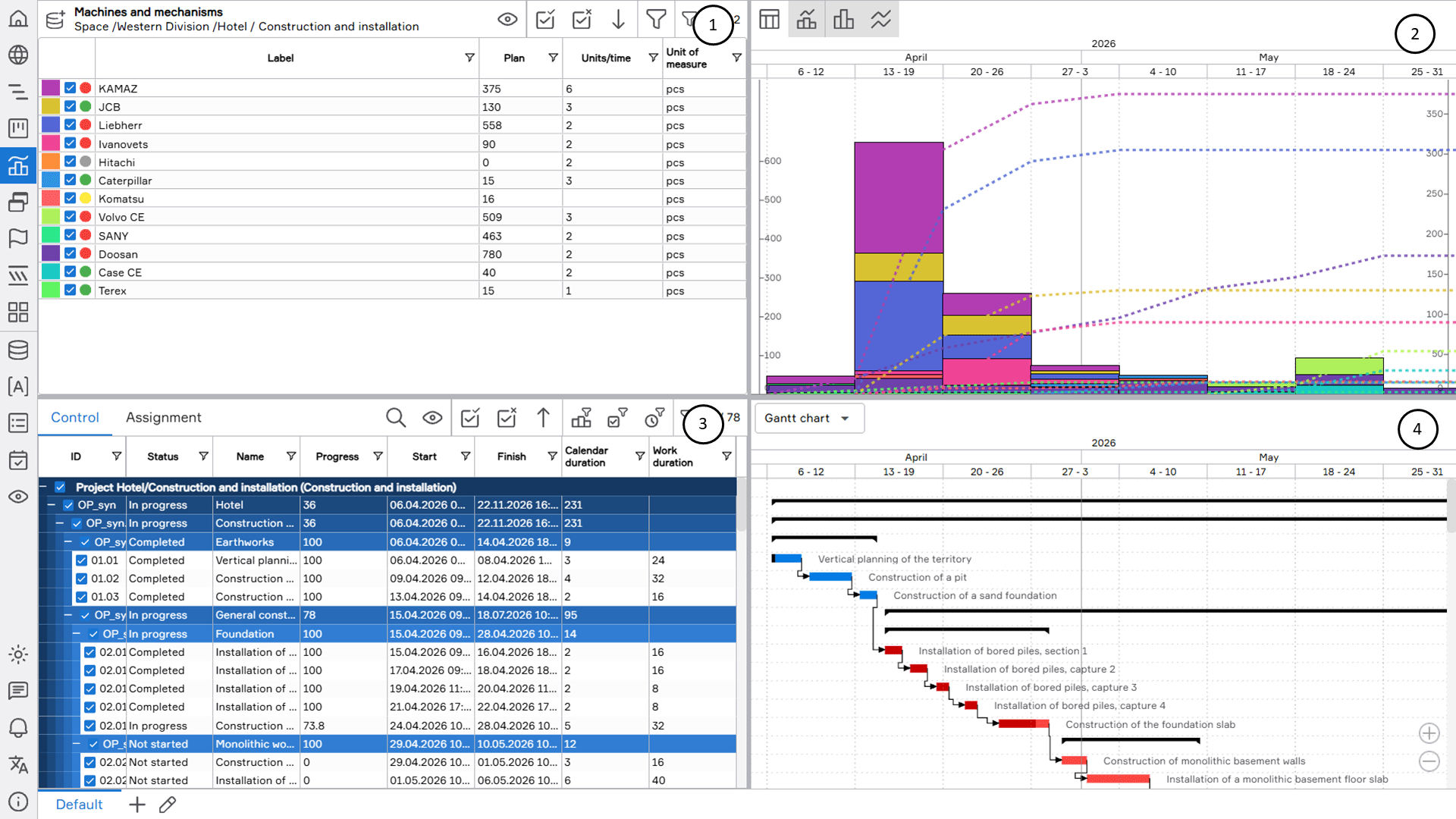 Panes on the Resources tab